
This page helps user to do some basic preference settings for testing team.
Run Dialog field Preference
You can add additional JIRA fields to Test Run dialog, so that when a Tester is executing a test, he can get the additional Test Case information to help the execution.
To setup preferences settings, follow these steps:
-
Click "Administration->Add-ons" from the main menu.
-
Click the "Preferences" link from the left panel under the "SYNAPSERT" section.
-
Select the fields from 'JIRA Fields' dropdown and click 'Add' button.
-
Click 'Save' button to save the configuration.
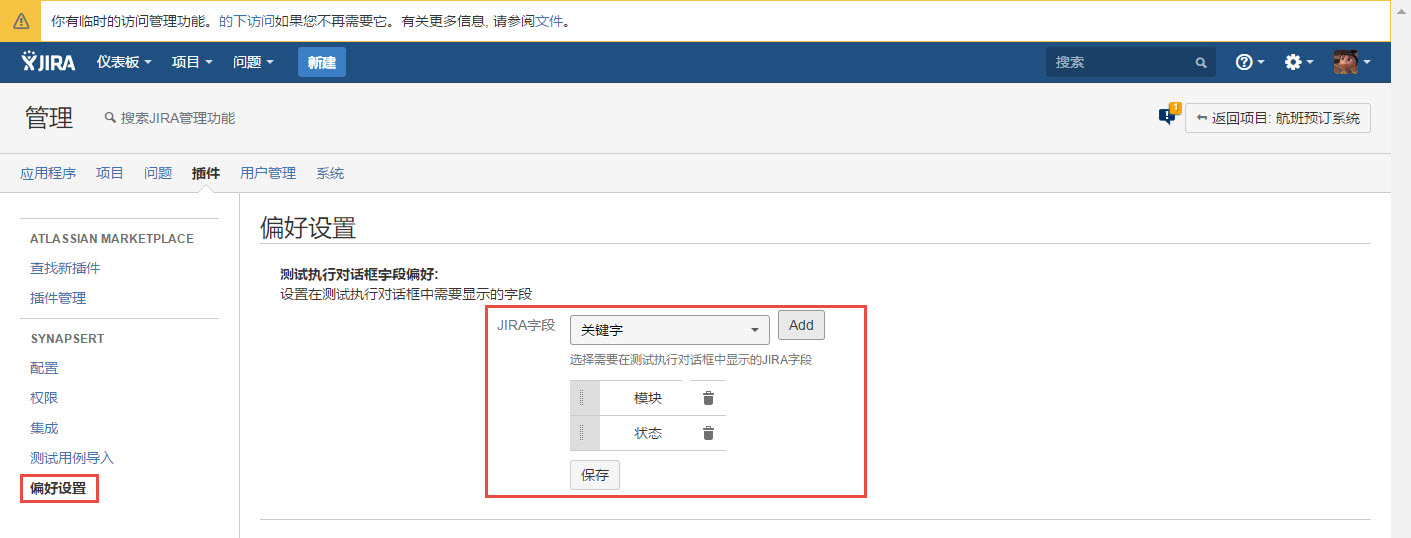
[Screenshot - UG_AD10_Preference]
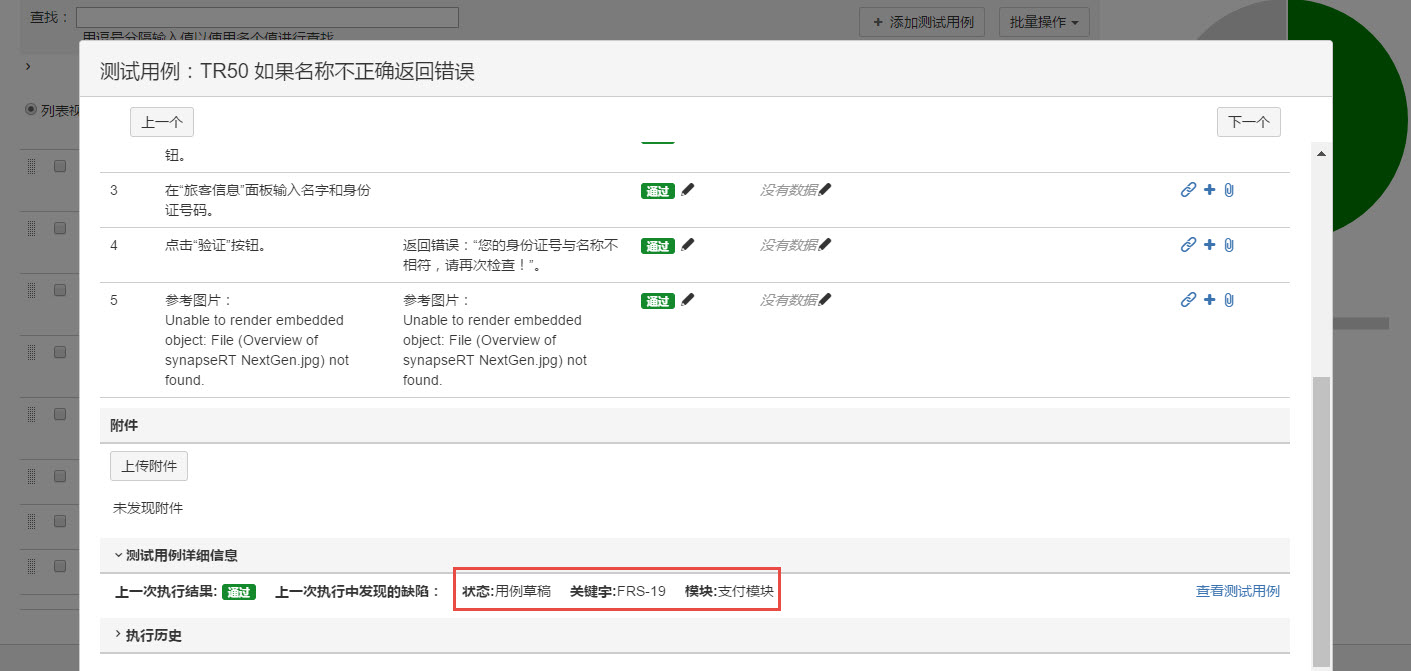
[Screenshot - UG_AD11_Preference]