
You are allowed to add/remove fields from Test Cycle page, it gives more flexibility to decide what information needs to be displayed on the page.
To configure columns, following the steps:
-
Open a Test Cycle
-
Click 'Columns' menu
-
Select more fields or remove any from the list
Note: you need to specify order number if additional fields need to be added -
Click 'Done' button
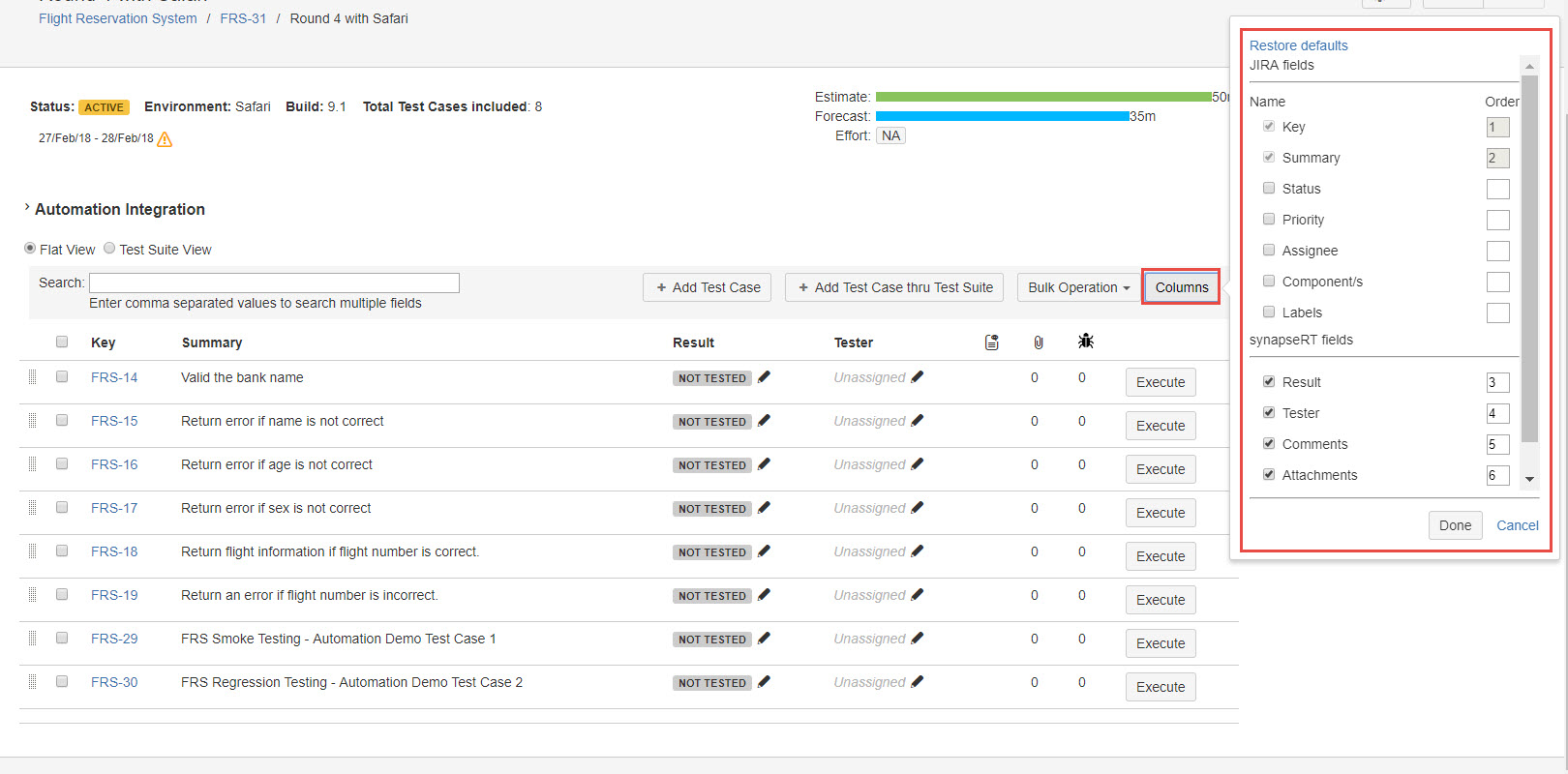
[Screenshot - UG91_Test_Plan_Test_Cycle_Column]
If you want to restore default settings, click 'Restore Defaults' link from 'Columns' dropdown.