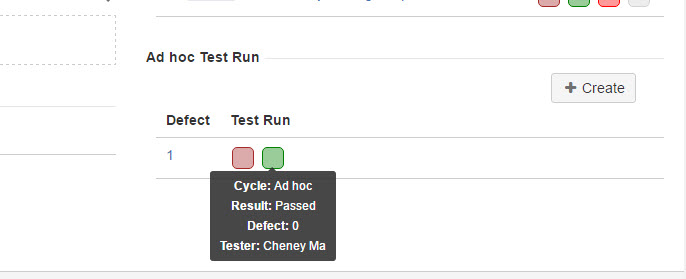
You can execute a single Test Case without creating Test Plan & Test Cycle by following these steps:
-
Open a Test Case issue
-
From "Add hoc Test Run" section which is located at the right side of the page, click 'Create' button
-
Update test result from "Test Case Run" dialog
-
Click "Close" link
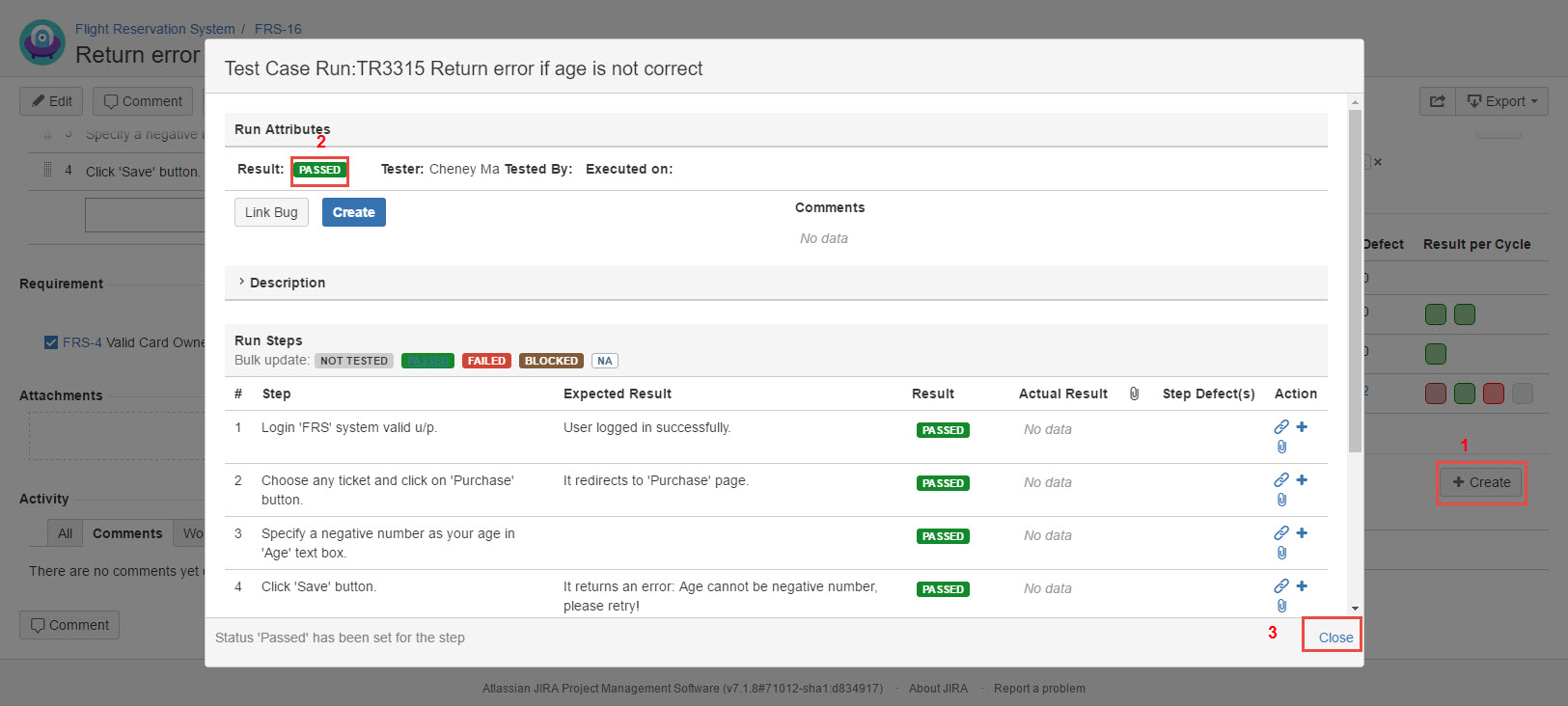
[Screenshot - UG0028_Test_Case_Quick_Execution]
5. Once the test execution is done, the result will be recorded to this Test Case.