-
Click the "Edit" icon from a Root Test Suite
-
Click "Expand all" or "Collapse all" link to expand/collapse all Test Cases by one click.
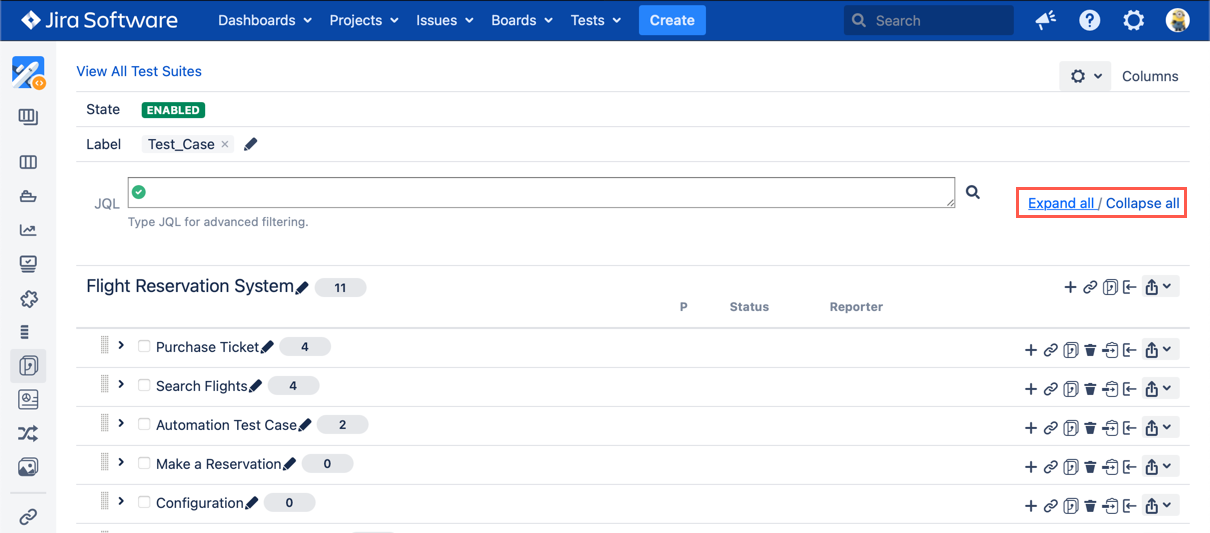
[Screenshot - UG0041_Test_Suite_Panel_Expand_Collapse_Test_Cases]

Click the "Edit" icon from a Root Test Suite
Click "Expand all" or "Collapse all" link to expand/collapse all Test Cases by one click.
[Screenshot - UG0041_Test_Suite_Panel_Expand_Collapse_Test_Cases]